Password management

Stop hoping your team uses good passwords
You've probably seen it: the shared spreadsheet with all the passwords, the sticky notes on monitors, the same "company123!" password used across a dozen accounts. According to 1Password's research, 61% of employees have poor password practices. It's not that your team doesn't care about security. It's that good password hygiene is hard to do manually.
That's where 1Password comes in. As a certified 1Password MSP partner, we help businesses move from password chaos to real security. 1Password uses dual-key encryption with your master password plus a 128-bit Secret Key, meaning even 1Password can't see your data. Your team gets strong unique passwords, secure sharing, and you get full visibility into who has access to what. Plus, every employee gets 1Password Families free, a $60/year value that extends protection to their personal lives too.

What we bring as your 1Password partner
As a 1Password MSP partner, we bring expert implementation, ongoing management, and strategic guidance to help your organization maximize the value of enterprise password security.
Whether you're securing employee access across cloud services, meeting compliance requirements, or protecting against credential-based threats, we'll tailor 1Password to your specific business needs.
Security that doesn't require trust
Zero-knowledge architecture
- End-to-end encryption with 256-bit AES
- Dual-key authentication (Master Password + Secret Key)
- Data encrypted before leaving your device
- Only you can decrypt your data
Enterprise compliance
- SOC 2 and GDPR compliant
- Activity logs and audit trails
- Security policies and firewall rules
- Advanced Protection monitoring
Seamless integrations
- Azure AD, Okta, OneLogin, Slack
- Splunk integration for alerts
- Powerful APIs and CLI tools
- Automated provisioning
Proactive threat detection
- Domain Breach Reports
- Watchtower with Have I Been Pwned
- Flags weak and reused passwords
- Automatic compromise alerts
Complete visibility
- Granular user/group/vault permissions
- Built-in reporting and analytics
- Account recovery capabilities
- Administrative delegation
Cross-platform support
- Mac, Windows, iOS, Android, Linux
- Browser extensions for all major browsers
- Online and offline access
- Biometric unlock support
Beyond just storing passwords
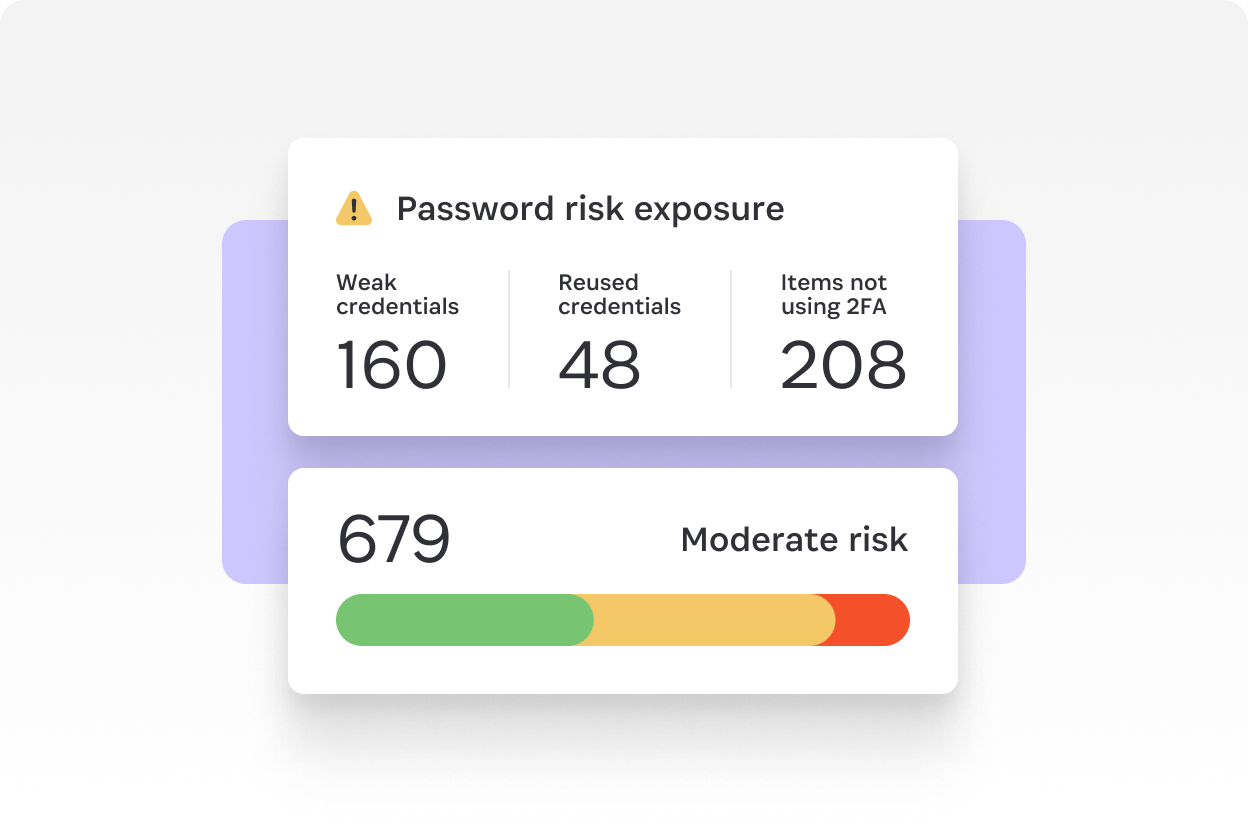
Monitor security posture in real-time
Get instant visibility into your organization's password security with comprehensive dashboards. Track weak passwords, reused credentials, exposed accounts, and two-factor authentication adoption across your team. Prioritize remediation with actionable insights.
Store everything your business needs securely
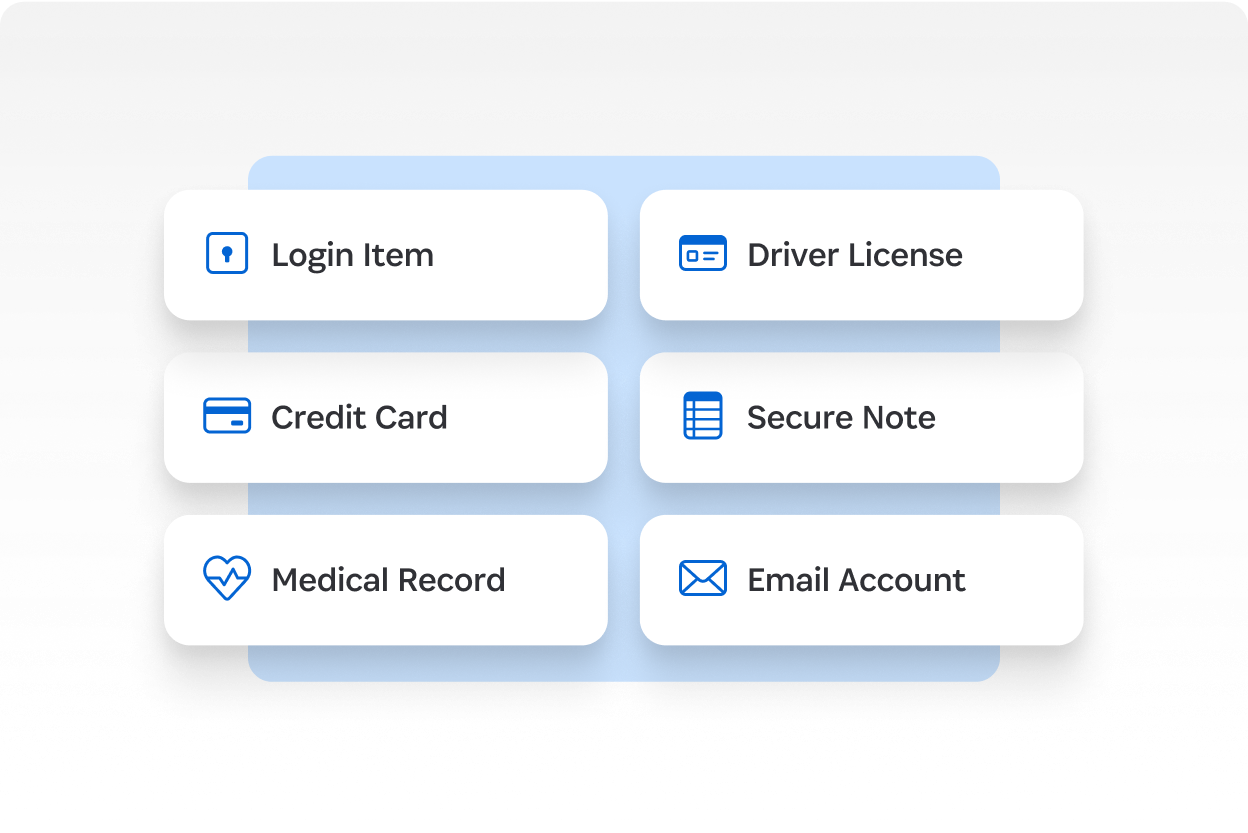
1Password goes far beyond password storage. Securely store and organize logins, credit cards, documents, secure notes, API keys, SSH keys, software licenses, and more. With unlimited shared vaults and granular permissions, your team can safely collaborate on sensitive information. Everything is encrypted end-to-end, ensuring only authorized users can access what they need.
What changes when passwords stop being a problem
Increase security without sacrificing productivity
Strong, unique passwords for every account with autofill across websites and apps. Biometric unlock with Face ID, Touch ID, and Windows Hello. One-click access means no more forgotten passwords or time wasted on resets.
Simplify IT administration
Provision users automatically through your existing identity provider. Create custom groups, manage vault access, and delegate administrative responsibilities. Recover accounts instantly when employees can't sign in.
Protect more than passwords
Securely store and share logins, credit cards, documents, API keys, SSH keys, and more. Unlimited shared vaults with granular permissions let teams collaborate safely. One year of item history allows you to restore deleted items or revert changes.
Extend security to employee families
With 1Password Business, all employees get 1Password Families for free (a $60/year value per person). Encourage good password habits at work and at home, improving your overall security culture.
Frequently asked questions
How is 1Password different from browser-based password managers? +
Browser password managers are convenient but treat passwords as a feature, not the product. 1Password is purpose-built for credential security with zero-knowledge encryption, secure sharing, secrets automation, SSH key support, and administrative controls that browsers don't provide. The encryption model also means that even if 1Password's servers were breached, vault contents would still be unreadable.
What happens when an employee leaves? +
Offboarding is deterministic rather than hopeful. We suspend the account in 1Password, which immediately revokes access to every credential in company vaults. Anything they stored in personal-only vaults stays with them. For shared items where the employee was the sole owner, administrators can recover access without the employee being available.
Does 1Password meet our compliance requirements? +
1Password is SOC 2 Type II and GDPR compliant, and supports the credential-management controls expected in HIPAA, PCI DSS, and most state privacy frameworks. The platform produces the audit logs, access reports, and security-posture evidence that auditors ask for. For customers with explicit compliance mandates, we configure vault structure and access policies to match.
How does provisioning work with our identity provider? +
1Password integrates with Okta, Azure AD, Google Workspace, OneLogin, and JumpCloud via SCIM. New hires get provisioned into the correct groups automatically when they're added to your IdP, and deprovisioning fires the moment they're disabled. We configure the mapping between IdP groups and 1Password vault access during onboarding.
What's the rollout process and how long does it take? +
A typical rollout runs 4–6 weeks for a business under 100 employees. Week 1 is tenant provisioning and IdP integration. Weeks 2–3 are vault structure, group design, and policy configuration. Weeks 4–5 are phased user enrollment with hands-on onboarding sessions. Week 6 is legacy password cleanup and migration validation. Larger environments scale from there.
What's the ROI compared to doing nothing? +
The measurable savings come from fewer password-reset tickets (typically 20–40% of help desk volume in businesses without a password manager), faster onboarding and offboarding, and elimination of shared-credential risks that lead to actual breaches. The qualitative savings (audit readiness, employee time spent hunting for credentials, reduced anxiety about a leaked spreadsheet) usually matter more after the first year.
Ready to stop managing passwords by hand?
Let's talk about how 1Password can turn password chaos into something you never have to think about again.