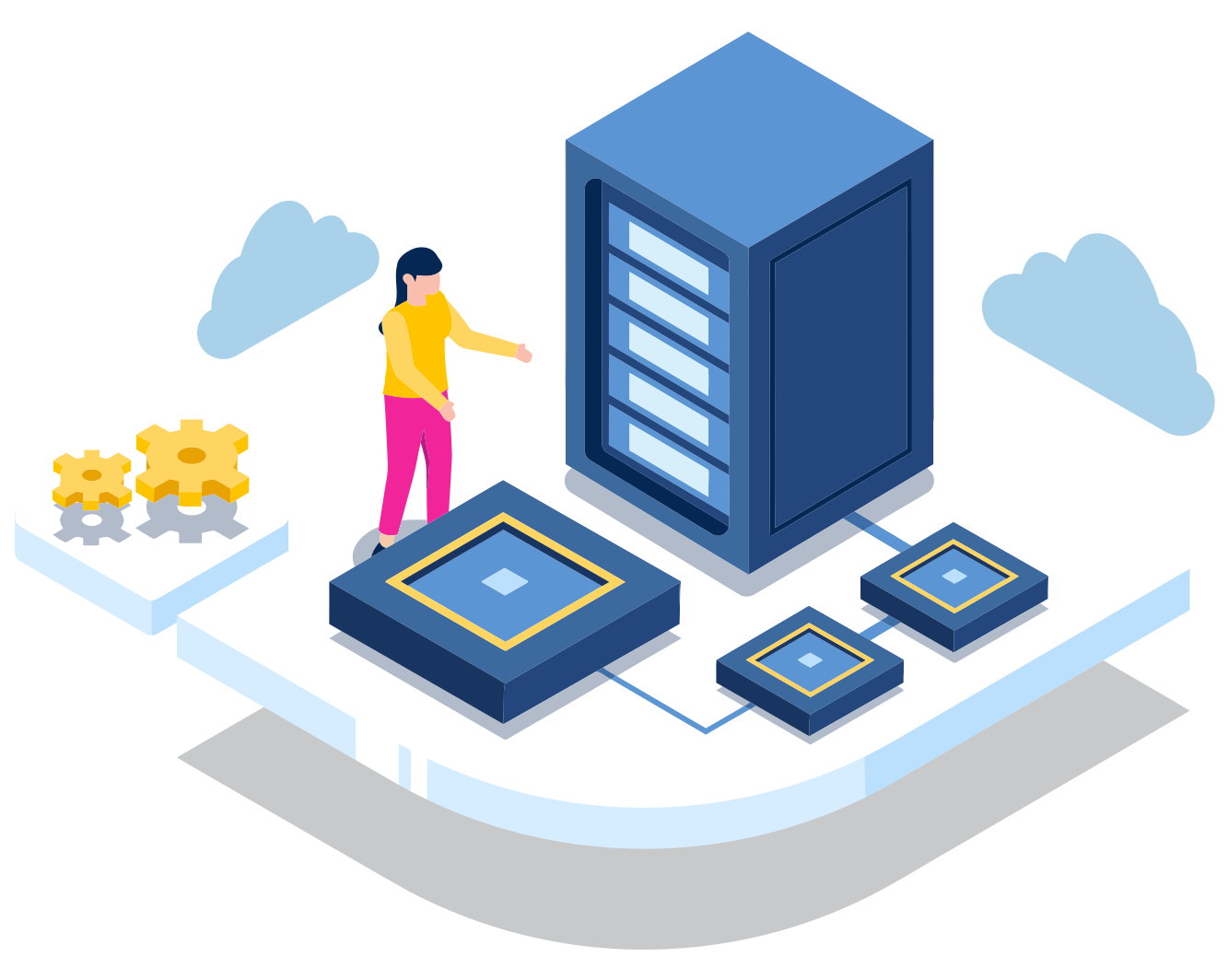
Networking
Secure connections, wherever your team is
Networking isn't just hardware in a closet anymore. Your team works from the office, from home, and from everywhere in between, and they all need fast, secure access to the same things.
We set up Wi-Fi that actually reaches every room, give remote people secure access without a clunky VPN, and keep all of it monitored and up to date. When the internet goes down, we're the ones on the phone with the provider.
Network status
Office and remote team
Office
- Wi-Fi in every room, 42 devices
- Guest network kept separate
- Firewall up to date
- Backup internet standing by
Everywhere else
- 18 people connected securely
- Working from 6 cities
- No VPN to launch
- Device checks passing
Provider outage at 2:10 AM. Switched to backup internet, and we opened a ticket with the provider.
One network, wherever people work
The office and the kitchen table get the same care. Your team shouldn't notice the difference, and neither should your security.
In the office
- Wi-Fi that reaches every room, including the one in the back
- Switches and firewalls sized for your team, not a data center
- A separate network for guests and personal devices
- An automatic backup connection when staying online is critical
Everywhere else
- Access to internal tools and files from home, a client site, or an airport
- Connects in the background, with no VPN to remember
- Only people on healthy, managed devices get in
- Known-bad sites blocked on every network, not just the office
After it's installed
Handled, not just installed
Most networks get set up once and forgotten until something breaks. Ours get looked after.
Monitored around the clock
Automated monitoring flags dropped connections and failing gear, often before anyone notices.
Updated without the downtime
Firmware and security updates are scheduled outside working hours.
We call the internet provider
When the connection is the problem, we work with your provider so you're not the one on hold.
Changes without a site visit
Cloud-managed equipment means most fixes and changes happen remotely, in minutes.
Everything documented
Settings, configurations, and network diagrams written down, so nothing lives in one person's head.
Regular check-ups
Periodic reviews make sure every setting still follows best practices as your team grows.
Moving or expanding
A new office, without the scramble
Opening a location or moving across town? The network is ready before your team walks in, not a week after.
- 01
Plan
Coverage for the space, how many people, and what they'll connect.
- 02
Order
The right equipment, sized for today with room to grow.
- 03
Install
Configured, secured, and connected to your existing setup.
- 04
Test
Every room checked before move-in day, then documented.
Phones, internet, and mobile too
Juggling carriers and contracts? Through our partnership with Redbranch Consulting, we can bring phone systems, internet service, and mobile plans under one point of contact.
Built on platforms enterprises trust


Networking is part of our fully managed IT engagement, alongside IT management, security, and cloud.