Email & Workspace Security

Material Security

If Someone Gets Into Your Email, They Can Get Into Everything

Your email is the key to your bank accounts, your cloud storage, your business systems. A password reset goes to your inbox. Account verification goes to your inbox. If someone gets in, they don't just read your messages. They become you.

And these days, attackers don't always need your password. Every AI tool your team connects with one click gets its own key to your email and files, and most of those keys were never reviewed by anyone.

Material Security protects all of it from one place: stopping phishing that gets past Google and Microsoft, containing account takeovers, locking down sensitive data in years of old email and shared files, and cutting off risky apps and AI tools before they become a back door.

Google Workspace Microsoft 365

Trusted by security teams at OpenAI, Figma, Reddit, and Duolingo

Stop Threats Before They Reach You

Phishing emails don't look like they used to. AI-generated attacks are getting past traditional spam filters every day.

That email from your CEO asking you to wire money? It might look perfect. The invoice from a vendor you actually use? Could be spoofed. The most convincing attacks often have no link or attachment at all, just a believable request, which is exactly why filters looking for known-bad links miss them.

Material reads the hundreds of hidden signals in every message, from header anomalies to QR codes, to catch impersonation, invoice fraud, and credential phishing. Suspicious messages get a warning banner, and malicious links get defanged so even if someone clicks, nothing happens.

When one person reports a phish, Material finds every copy and every variant across your company and pulls them all. One report protects everyone.

Third-Party Apps & AI Agents

Your Team Has Connected AI Tools to Your Email. Do You Know Which Ones?

One click on "Allow" gives an app a key to someone's inbox, Drive, and calendar. That key survives password changes and MFA resets, and it doesn't show up in any approval process.

AI note-takers, writing assistants, scheduling tools, browser extensions. Your team adopts them because they're useful, not because anyone signed off. Material's research across 159 organizations found 978 different apps connected to Google Workspace this way, most authorized by individual employees. The most popular one had over 152,000 users, and it showed up in logs as nothing more than a project number.

Attackers know this. Tricking someone into approving a fake app, or breaching a legitimate vendor that already has access, gets them into your data without ever triggering a login alert.

Material's OAuth Remediation Agent works like a full-time analyst for every app connection in your Google Workspace:

  • Sees every new connection the moment someone clicks "Allow," plus everything granted before you started looking.
  • Judges apps by what they actually do, not just what they asked for: real activity, vendor reputation, and how much data the person who granted it can reach.
  • Cuts off access automatically when an app turns malicious or sits unused for months, and checks with your people in Slack when something is unclear.
  • Keeps a human in the loop for business-critical apps, so nothing your team depends on disappears by surprise.

On Microsoft 365 too, Material spots the apps and AI tools your team signs up for by noticing the sign-up confirmations and password resets that land in their inbox, including tools that never went through your single sign-on.

Layers That Work Together

Attacks don't stay in one place. A phishing click becomes a stolen login, which becomes a bulk download. Material connects the dots across email, accounts, and files, so it sees one attack instead of three unrelated alerts.

Phishing Defense

Catches the impersonation, invoice fraud, and QR code phishing that slips past Google and Microsoft. Suspicious messages get a warning banner, malicious links get defanged, and reported phish is pulled from every inbox automatically.

Material Security flagging a suspicious email

Account Takeover Protection

Password resets and verification emails sit behind a second lock: to open one, you re-authenticate through your identity provider. Even with a stolen password, an attacker can't use your inbox to take over your other accounts.

Material also watches for the warning signs, like new forwarding rules and unusual logins, and removes the forwarding rules, delegated access, and app grants attackers use to stick around.

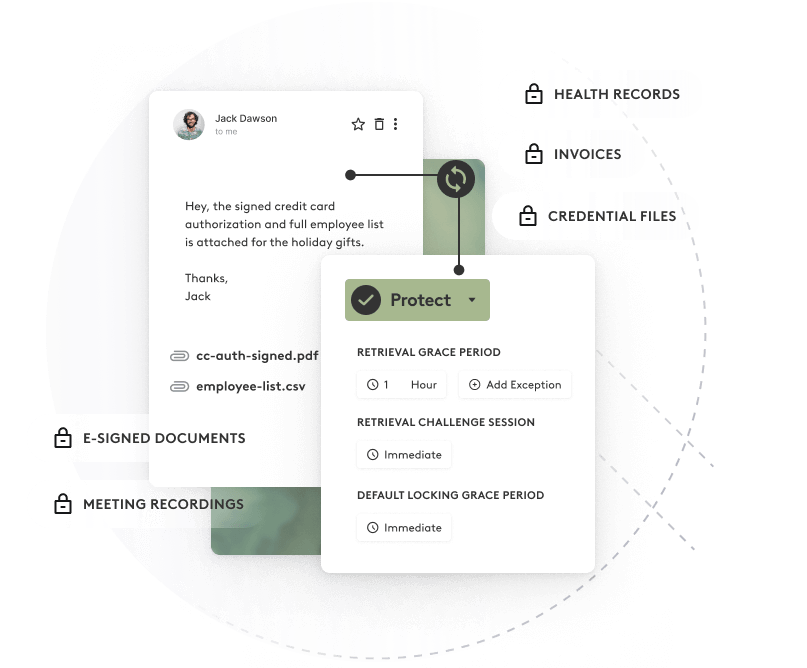
Material protecting a sensitive email and its attachments behind re-authentication

Archive Lockdown

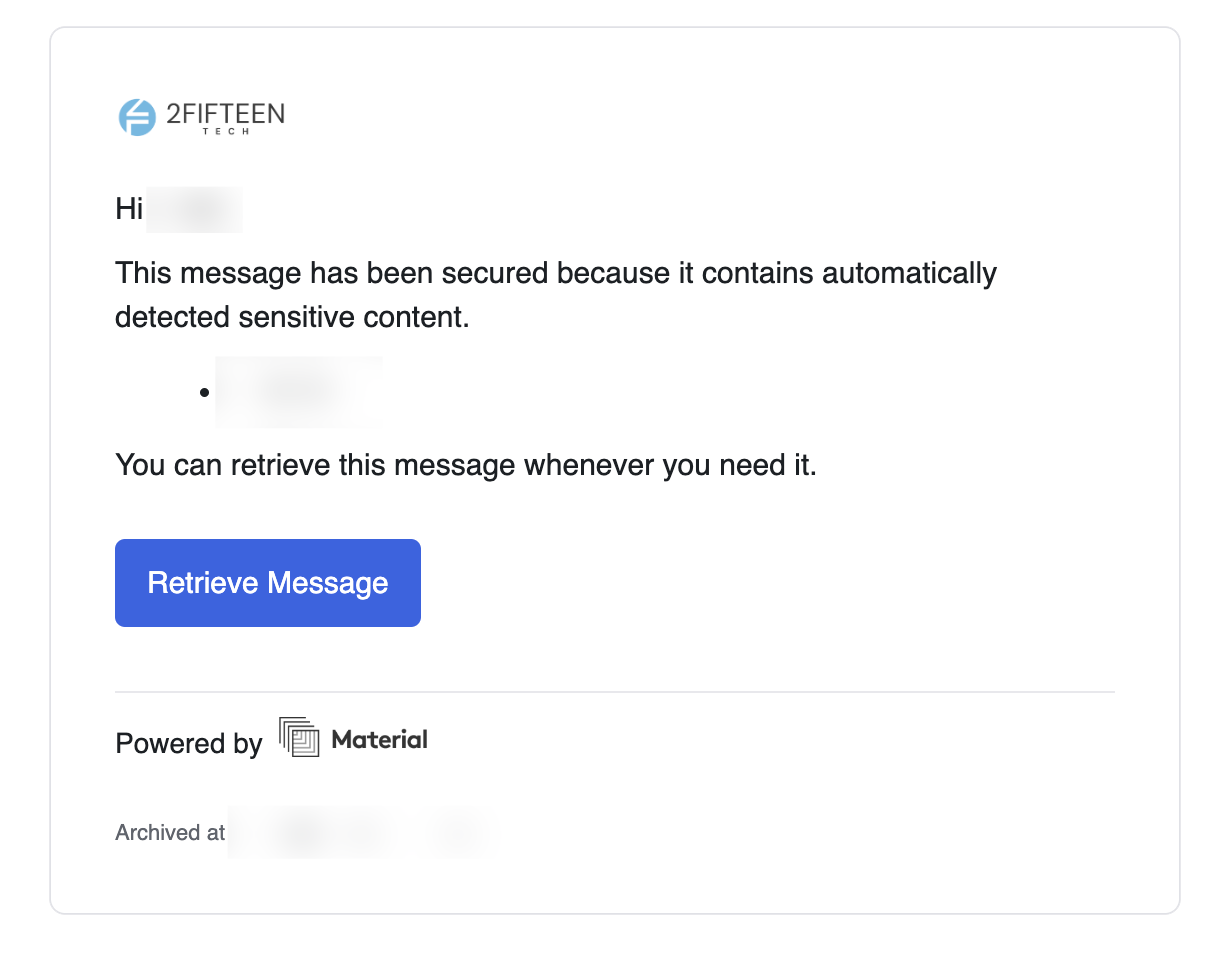
Your inbox has years of history: bank statements, contracts, temporary passwords someone emailed you three years ago. Material finds sensitive content in your archive and protects it automatically. Your team can still open it with a quick re-authentication. Someone with a stolen password can't.

Blocking data exfiltration from the email archive

Shared File Protection

In Google Drive, Material finds the payroll sheets, contracts, and customer lists shared with "anyone with the link" or people who left long ago, and fixes the sharing without breaking the files your team relies on. That matters more now that AI search tools like Gemini can surface anything a person has access to.

Not Just a Better Spam Filter

Traditional filters stop at the inbox door. Material keeps protecting your email, files, and connected apps long after a message has been delivered.

A Traditional Spam Filter

  • - Blocks the obvious spam and moves on
  • - No way to recall a message once it's delivered
  • - Inbox contents sit unprotected after delivery
  • - Your email archive is a standing liability
  • - No idea which apps and AI tools can read your data
  • - Often means changing how your mail is routed

Material

  • + Analyzes hundreds of hidden signals in every email
  • + Pulls attacks back from every inbox instantly
  • + Sensitive messages locked behind re-authentication
  • + Archive content classified and protected automatically
  • + Watches every connected app and revokes risky access
  • + Connects in minutes with no mail routing changes

Frequently Asked Questions

Want to Talk?

Whether you're worried about phishing, wondering which AI tools your team has connected, or just want to know what's sitting in years of old email, we can help you figure out what makes sense.

Tell Us What You Need

Tell us about your team and what you'd like help with. We'll follow up during business hours to understand the fit and arrange a conversation.

All fields except phone are required.

Prefer to talk? Call 385-722-5140. Already a customer? Visit the service desk.