Gemini for Mac: Google's new desktop app puts AI one shortcut away

Google has released a native Gemini app for Mac. It’s built in Swift, so it’s a true native macOS app rather than a wrapped web view. It runs on macOS Sequoia (15.0) or later, is free in every country where Gemini is already supported, and replaces the “keep a browser tab open” workflow that most Apple users have been stuck with until now.
The app opens with a global shortcut, sits in the menu bar, and can read the window you’re looking at to answer questions in context. Chat history and memory sync with your Google account, so conversations started on the web or on mobile continue on the desktop.

Option + Space opens a mini chat window from anywhere on your desktop. Option + Shift + Space opens the full experience. Both shortcuts are customizable in Settings, and the app can also be launched from the menu bar or the Dock.
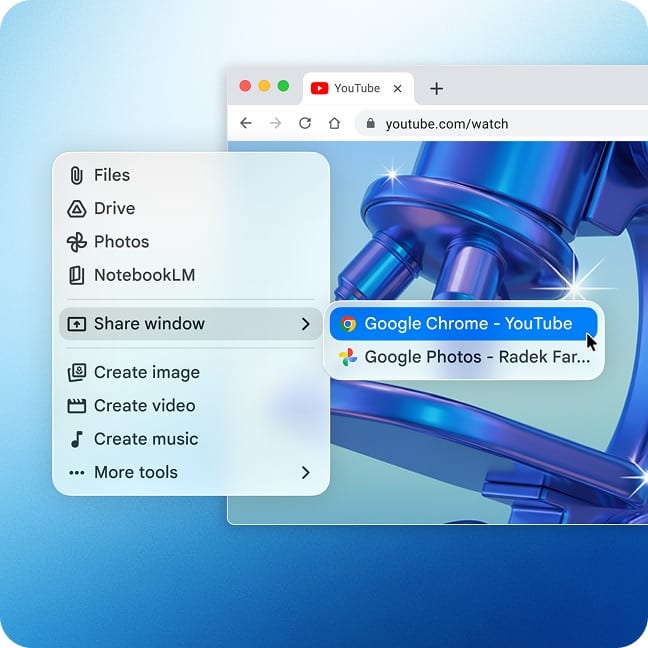
The most notable feature is Share window. From the “Add files and tools” menu, you pick a window on your screen and Gemini uses what’s visible to tailor its answers, so instead of copy-pasting text or describing a chart, you just point it at the window you’re already working in. Granting Gemini the Accessibility permission in System Settings extends this to full browser pages rather than just the visible viewport.
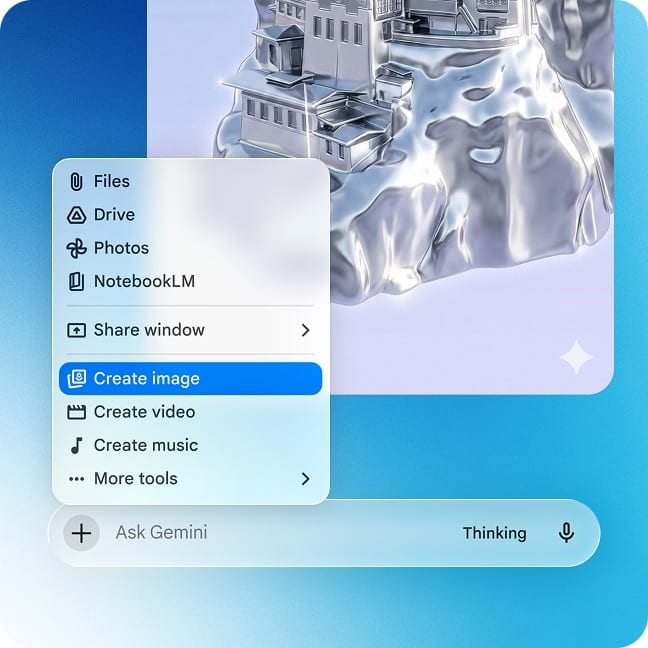
The creative tools are included in the same app: Nano Banana for image generation and Veo for video generation are available without opening a separate surface.
The details
- Requirements: macOS Sequoia (15.0) or later, signed in with a Google account
- Availability: Free, in all countries where Gemini is supported
- Download: Directly from gemini.google/mac
- Sync: Chat history and memory follow your Google account across Mac, web, and mobile
- Permissions: Accessibility permission is optional but unlocks full-page reading in browsers
If your team runs on Apple devices and Google Workspace, this is worth a look. Sign in with your work account (not a personal one) so conversations and shared context stay inside your environment, and treat Share window like any other AI tool: know what’s in the window before you share it.