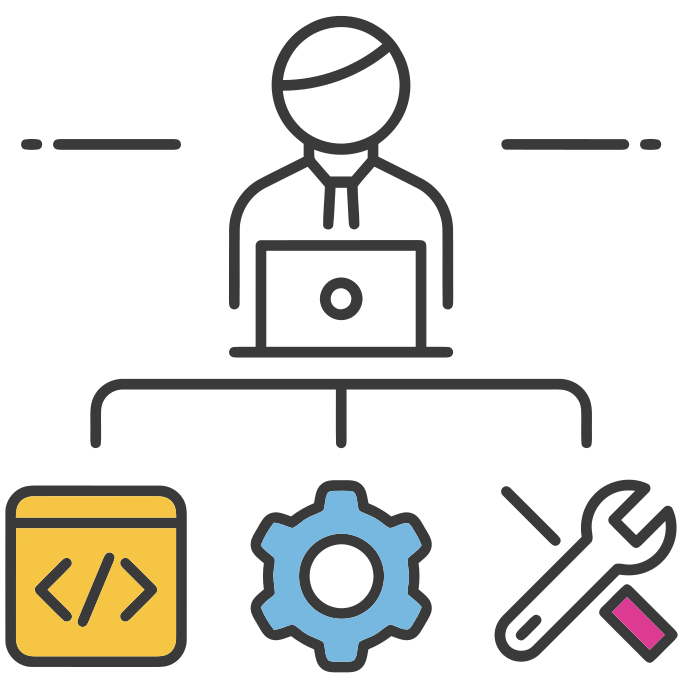
Co-Managed IT for Internal IT Teams
Expertise That's on Your IT Team's Side
Your IT person is good at their job. But when someone asks about Apple device management, Google Workspace quirks, or why a Mac won't connect to the printer—they're suddenly expected to be an expert in that too. Hiring a second IT person just to cover the Apple side rarely makes sense. Outsourcing the whole IT function isn't the right move either, because you like the team you already have.
Co-managed IT is the middle path. Your team keeps owning the Windows side, the business apps, the relationships with your people. We handle the Apple fleet, Google Workspace administration, and the specialized security work that would otherwise steal their attention. Nothing about their day has to change except that the Apple questions stop landing on their desk without a plan.

How the Partnership Works
Built to Work Alongside, Not Around
The fastest way to make a co-managed partnership fail is to staple it on top of your existing workflow and hope everyone figures it out. We do the opposite—we meet your team where they already are.
Shared Ticketing
We work inside the ticketing system you already use. When your team hits something Apple-specific, they hand the ticket off with a click. We pick it up, resolve it, and leave enough notes that anyone on your team can follow the thread later.
A Clear Escalation Playbook
During onboarding we agree on who owns what. Mac provisioning, MDM policy, Google Workspace admin? That's us. Network, business apps, day-to-day user support? That stays with your team. No ambiguity the first time something breaks.
Quarterly Technology Reviews
Every quarter we sit down with your IT lead. What's been handled, what's trending in tickets, what's worth investing in next. Your internal team gets a ready-made agenda to bring to leadership—and credit for the strategic thinking behind it.
Clear Lines. No Turf Wars.
The worst co-managed engagements are the ones where nobody knows who owns what. Here's the default split we work from—adjusted to your environment during onboarding.
Your IT Team Keeps
- ✓ Business application support and relationships with vendors
- ✓ Network, Wi-Fi, VPN, and on-prem infrastructure
- ✓ Day-to-day user support and help desk coverage
- ✓ Windows endpoint management and Active Directory
- ✓ The executive relationships and budget ownership
We Handle
- ✓ Apple fleet strategy and device management across macOS, iOS, iPadOS
- ✓ MDM platform operations via Iru
- ✓ Google Workspace administration, policy, and user lifecycle
- ✓ Mac package management and app catalogs
- ✓ Apple-specific security posture and compliance evidence