Email Protection

You Might See Some New Things in Your Inbox
We've partnered with Material Security to add extra protection to your email. It works quietly in the background, but occasionally you'll notice it stepping in to keep you safe.
Here's what to expect and what it means when you see it.
What to Expect
Warning Banners
When an email looks suspicious but isn't clearly malicious, you'll see a yellow banner at the top warning you to take extra caution. This might appear because the sender couldn't be verified or because the message has characteristics common to phishing attempts.
Links in these emails will also show a quick warning before you click through, giving you a chance to think twice.

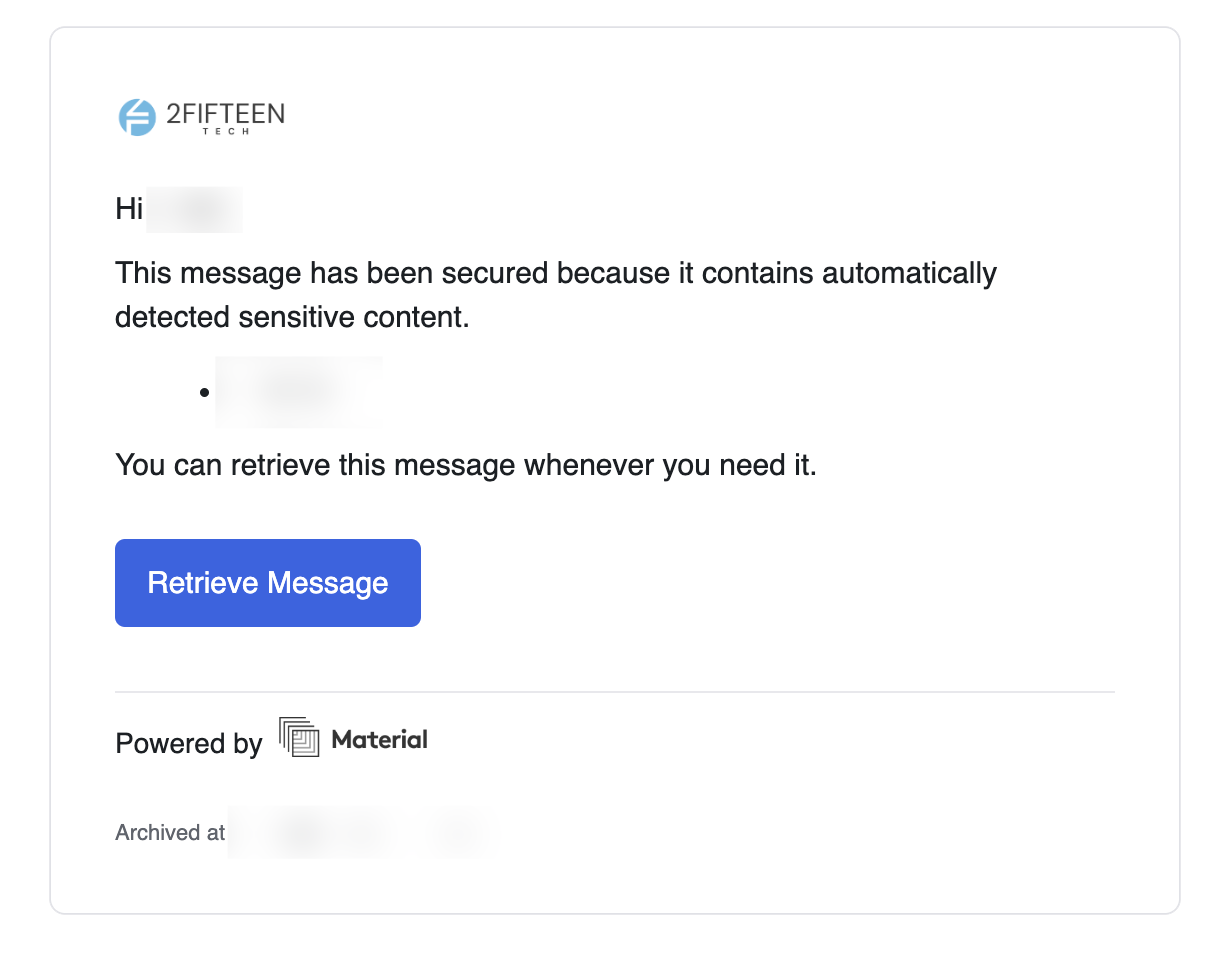
Protected Messages
Some sensitive emails—like password resets or account recovery messages—will require you to log in again before viewing them. This adds an extra layer of protection in case your email was ever compromised.
You'll use your regular Google Workspace or Microsoft 365 login. It only takes a few seconds and keeps your accounts significantly more secure.